

Cookies
By clicking “Accept”, you agree to the storing of cookies on your device to enhance site navigation, analyze site usage, and assist in our marketing efforts. View our Privacy Policy for more information.


December 4, 2024
Here are 10 important features we recommend you look for when searching for redaction software. A redaction tool should:

Learn about the 7 essential features we have included in our intelligent Redaction software to streamline your workflow here
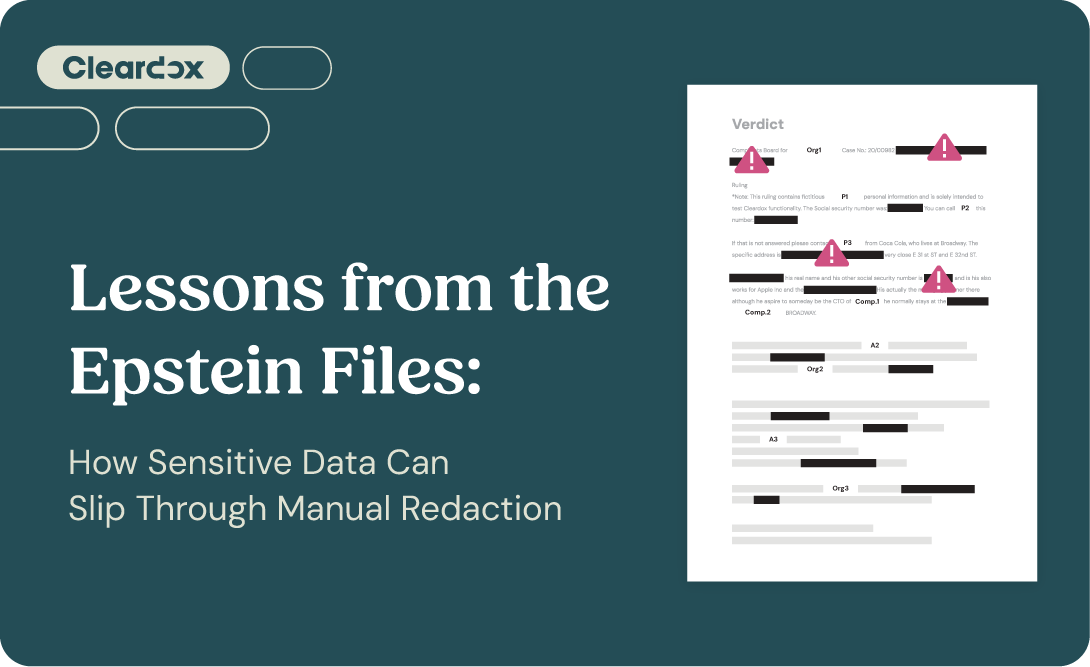
One of the greatest risks for a company is the inadvertent disclosure of privileged or confidential information. This can result in huge fines and loss of professional reputation. If you are searching for a redaction tool, look for one that is easy to use, efficient and secure.
Interested in getting a closer look at our product? Sign up for a demo here.
Or preview Cleardox’s intelligent redaction software tool for free here
Cheers,
The Cleardox team - protecting knowledge

Good redaction software should permanently remove content, support all PDF types, handle text/images/graphics, allow search and manual redaction, automatically detect personal data, suggest replacements, support review workflows, enable single- and multi-page redaction, protect the original file, and include OCR for scanned documents.
Because masking only hides data visually, while true redaction permanently deletes it and prevents recovery or reconstruction.
Because sensitive data can exist in different formats (text, image, or scanned PDFs), and all must be readable and editable for complete redaction.
It helps identify sensitive information like names and addresses and suggests safe replacements, reducing manual work and errors.
OCR makes scanned or image-based documents searchable, ensuring no hidden text is missed during redaction.